Calendar View
Full, monthly, weekly & daily calendar layouts
Full Calendar
Calendar View
General Calendar
Calendar View
Yearly View
Calendar View
Monthly View – Modern
Calendar View
Monthly View – Clean
Calendar View
Monthly View – Classic
Calendar View
Monthly View – Simple
Calendar View
Monthly View – Novel
Calendar View
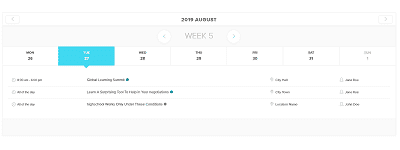
Weekly View
Calendar View
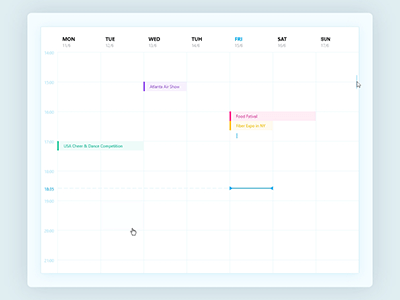
Daily View
Calendar View
Full Calendar – Fluent
Calendar View
Full Calendar – Liquid
Calendar View
Weekly View – Liquid
Calendar View
Daily View – Liquid
Calendar View
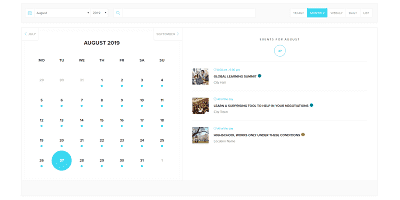
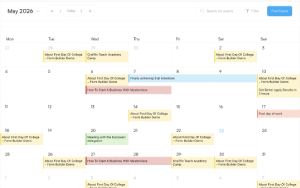
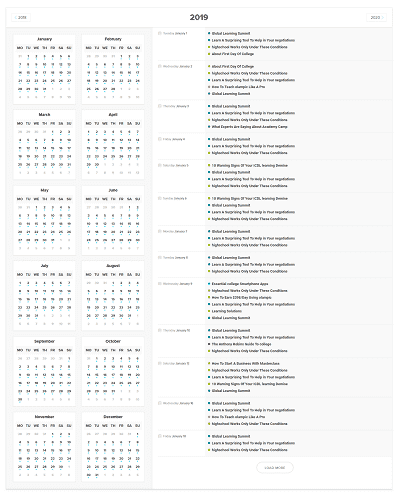

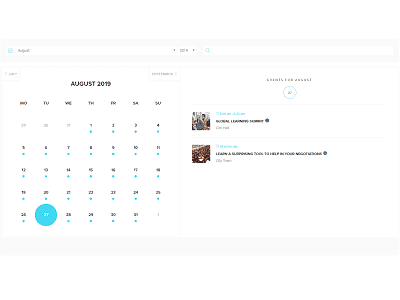
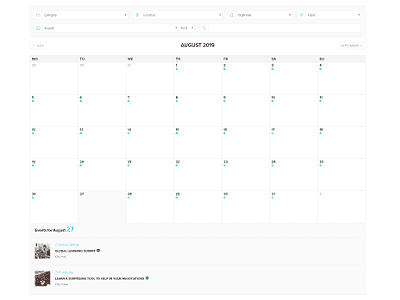
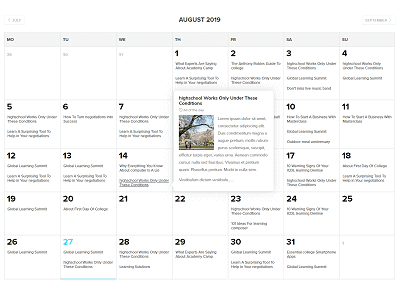
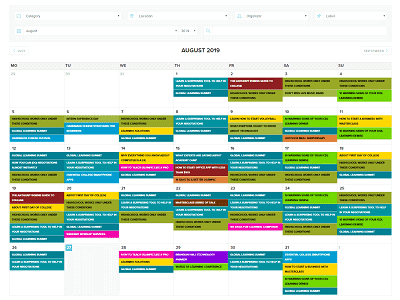
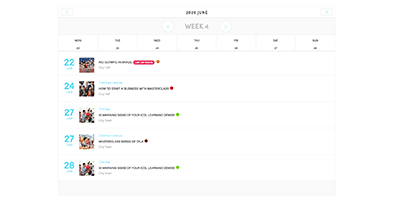

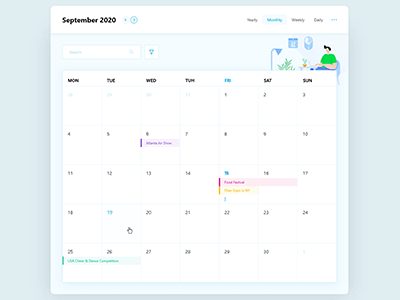

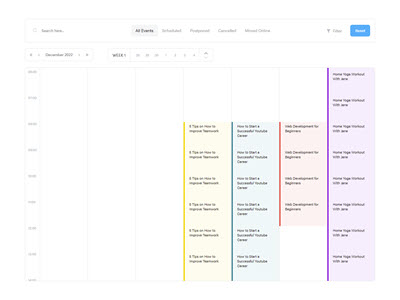

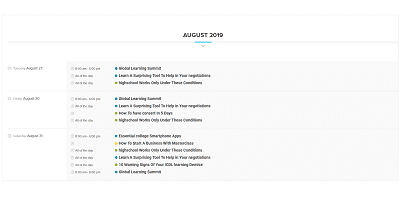
List View
Classic to liquid — vertical event lists
List View – Classic
List View
List View – Standard
List View
List View – Modern
List View
List View – Minimal
List View
List View – Toggle
List View
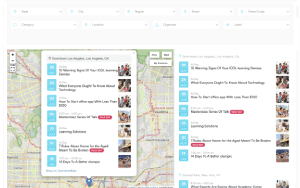
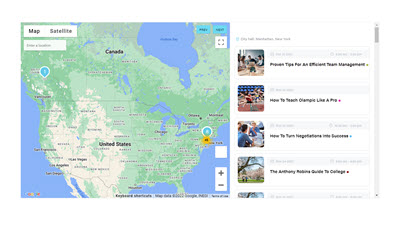
List View – With Map
List View
List View – Fluent
List View
List View Large – Liquid
List View
List View Medium – Liquid
List View
List View Small – Liquid
List View
List View Minimal – Liquid
List View
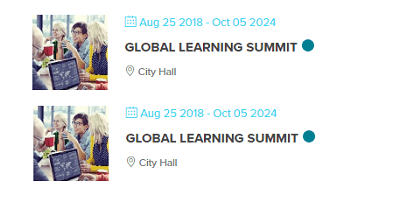
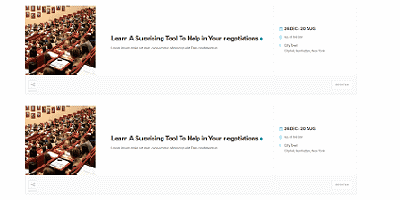
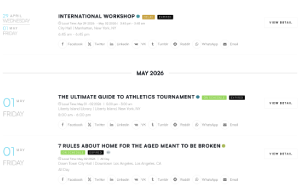
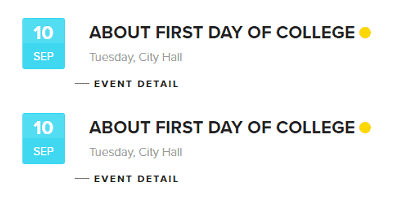
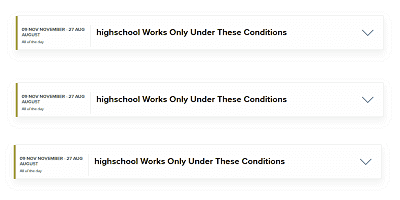
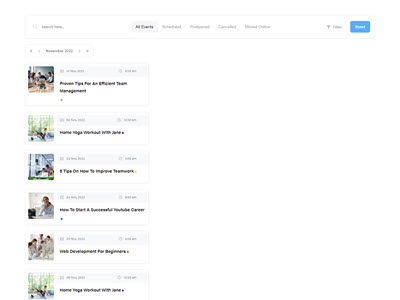

Grid View
Card grids, tiles and masonry layouts
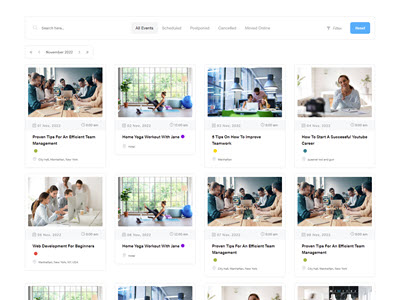
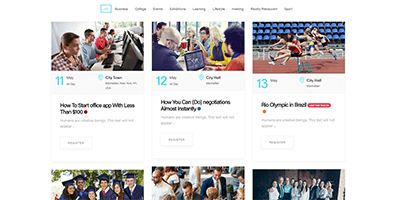
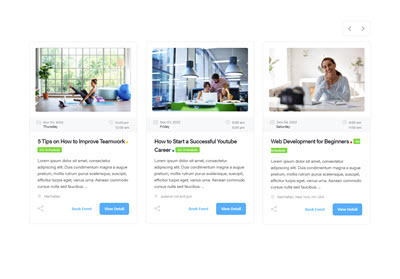
Grid View – Simple
Grid View
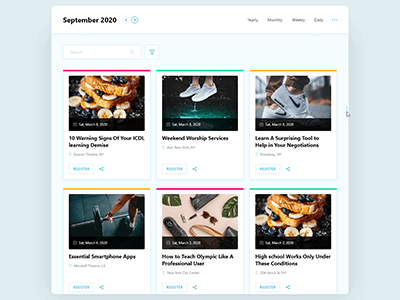
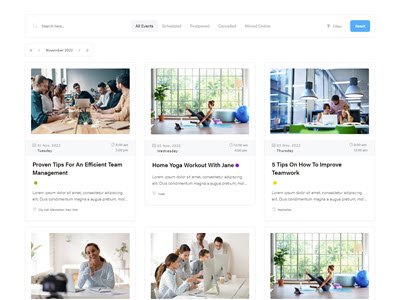
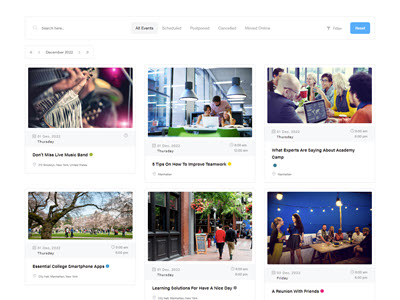
Grid View – Modern
Grid View
Grid View – Minimal
Grid View
Grid View – Clean
Grid View
Grid View – Classic
Grid View
Grid View – Colorful
Grid View
Grid View – Novel Style
Grid View
Grid View – With Map
Grid View
Tile View
Grid View
Grid View – Fluent
Grid View
Grid View Large – Liquid
Grid View
Grid View Medium – Liquid
Grid View
Grid View Small – Liquid
Grid View
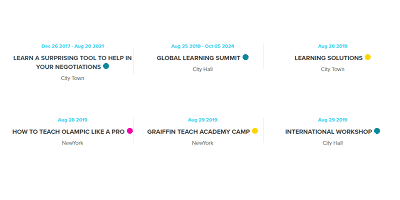
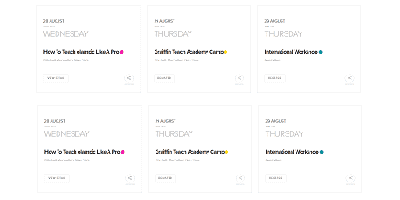
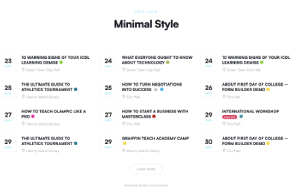


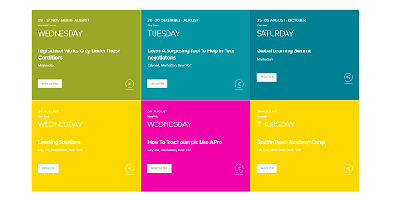
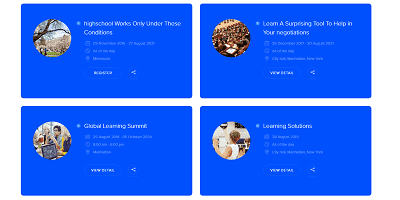
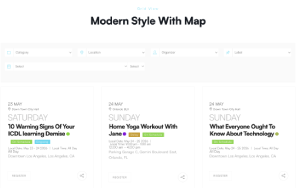
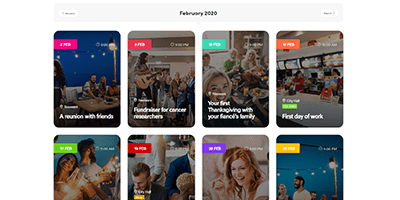
Modal Single Event
Open event details in an elegant popup
FullCalendar View
Modal Single Event
Yearly View
Modal Single Event
Monthly View
Modal Single Event
List View
Modal Single Event
Grid View
Modal Single Event
Daily View
Modal Single Event
Weekly View
Modal Single Event
Masonry View
Modal Single Event
Tile View – Fluent
Modal Single Event
Agenda View – Fluent
Modal Single Event


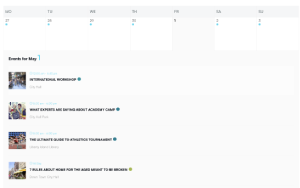
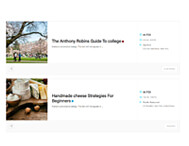
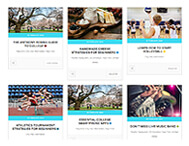
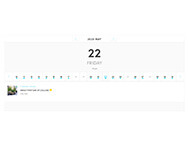
Other Views
Maps, agenda, search, booking & single event
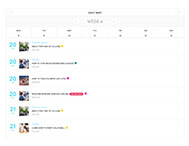
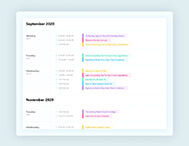
Agenda View
Other Views
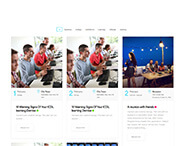
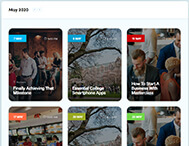
Masonry View
Other Views
Available Spot
Other Views
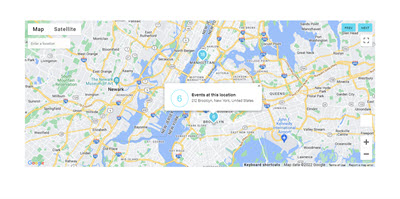
Map View
Other Views
Advanced Map
Other Views
Map View – Liquid
Other Views
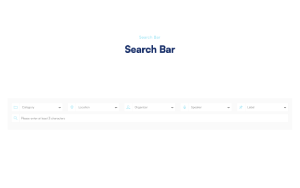
Search Bar
Other Views
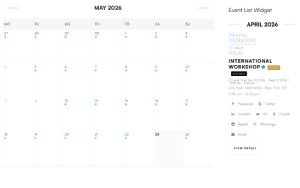
Widgets View
Other Views
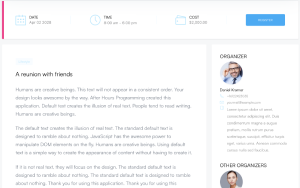
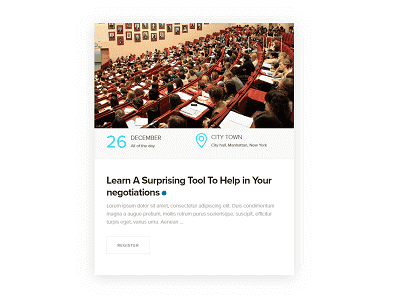
Single Event
Other Views
Single Event – Fluent
Other Views
Single Event – Liquid
Other Views
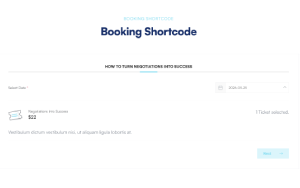
Booking Shortcode
Other Views
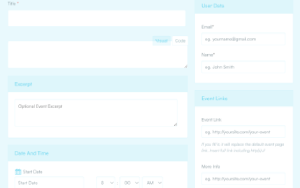
FrontEnd Submission Form
Other Views
Available Spot – Fluent
Other Views
Available Spot – Liquid
Other Views





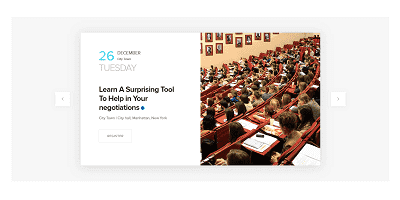
Slider View
Animated event sliders — classic to liquid




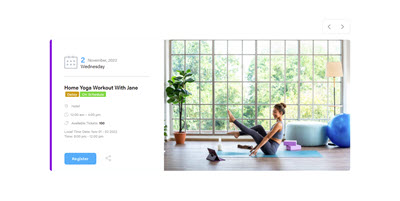
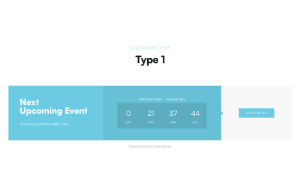
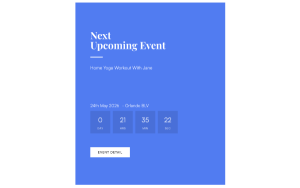
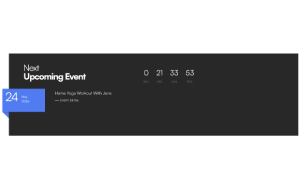
Countdown View
Countdown timers for your next event

Cover View
Hero-style cover layouts





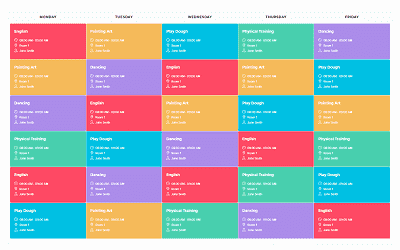
Timetable View
Timetables and timelines
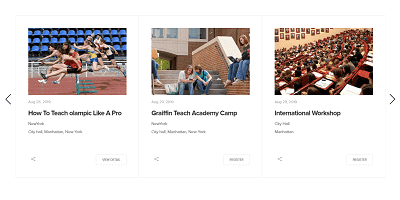
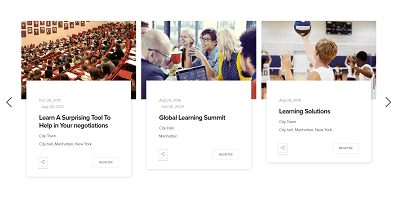
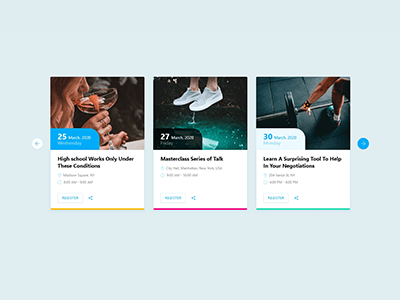
Carousel View
Sliding event carousels — classic to liquid

No demos match your search
Try a different keyword or clear the filter.
Event
Appointment